
Profiles in Portfelik: Keep Home and Business Finances Apart
Some of you track more than your household money in Portfelik. Maybe you run a small business on the side, or split costs with a partner. Until now it all went into one place, so business and personal accounts got mixed up and the reports added them together. Now you can split them into separate profiles.
A profile is its own set of accounts, transactions, categories, tags, budgets and recurring transactions. Each can have its own currency and budget period, and its balances and reports leave the others out. You can have up to five profiles.
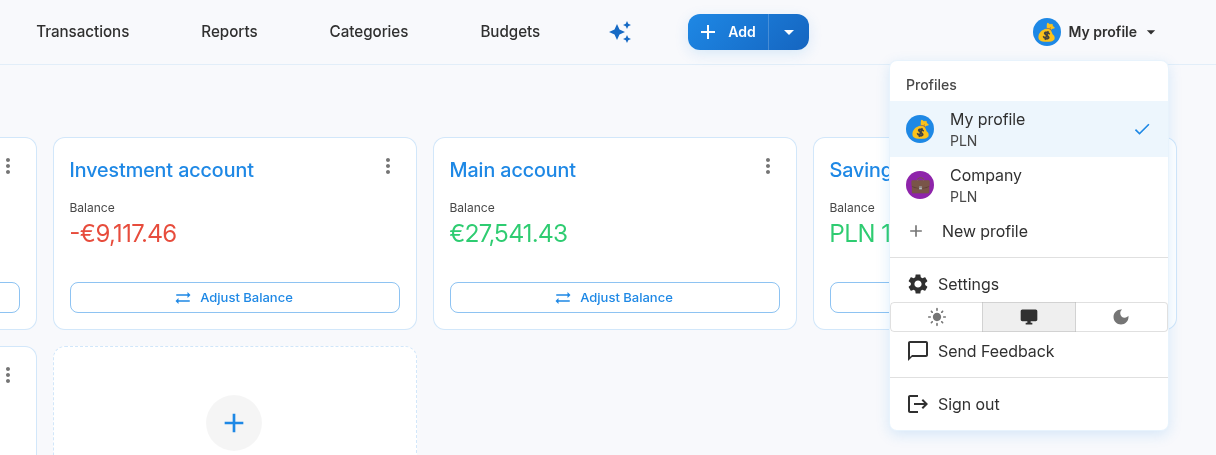
How to create a profile
- Click the profile avatar in the top right corner.
- Choose New profile.
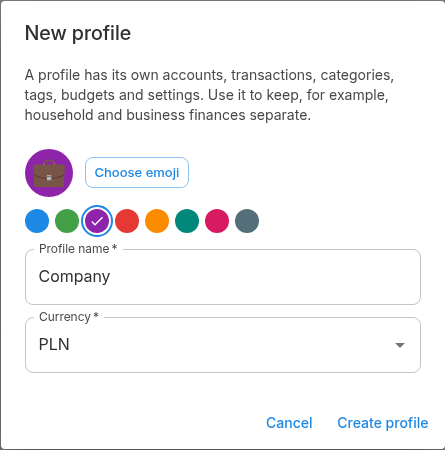
- Enter a name and pick an emoji, a color and a currency.
- Click Create profile.
Portfelik switches to the new profile right away. It comes with the default categories but no accounts, so start by adding one.
Switching profiles
You switch in the same menu and stay on the current page: open a report or a filtered list of transactions, switch, and you see the same view for the other profile. Next time you open Portfelik in the same browser, it opens the profile you used last.
Profile settings
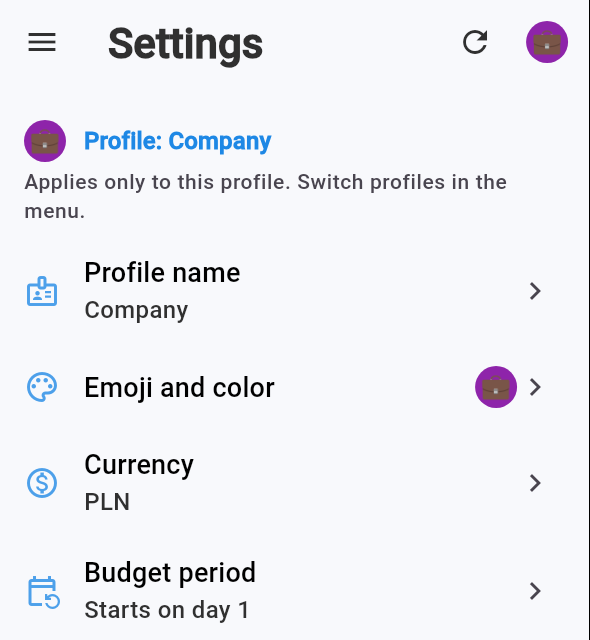
The top of Settings shows which profile you're editing. Its name, emoji, color, currency, timezone and budget period are set per profile, while your language, email and password are shared.
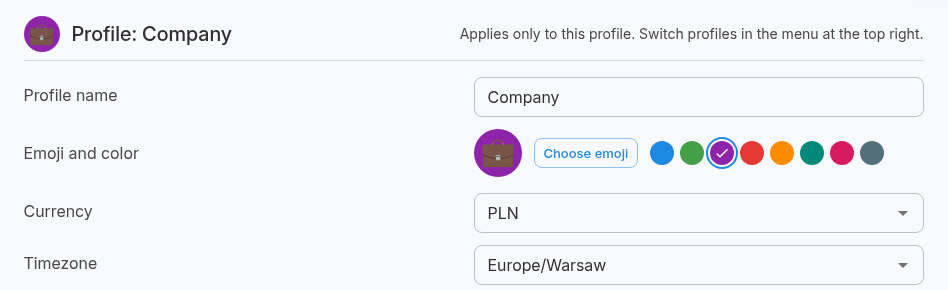
This is also where you delete a profile you no longer need. Everything in it is deleted too, so you'll be asked for your password. You can't delete your last profile.
Mobile app
The latest Android app supports profiles too. Tap the avatar in the top right corner to open your profile list, where you can switch or add one. You can change the name, emoji and color in Settings. For now, you can only delete a profile in the browser.
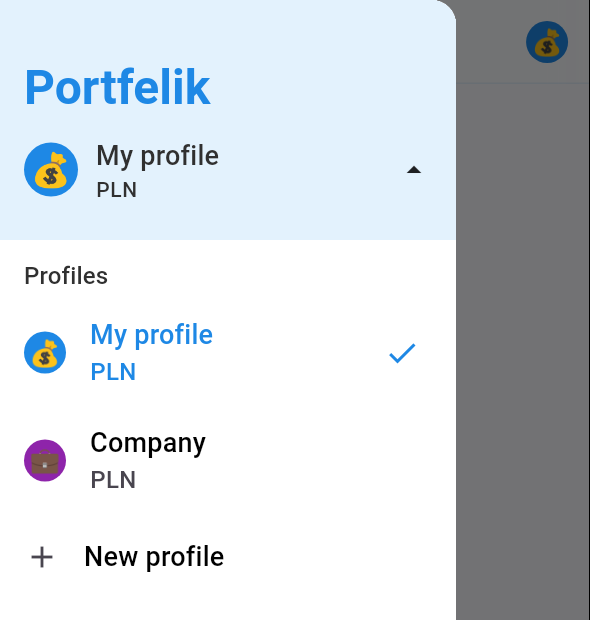
You can get the Android app on Google Play. If you already use it, update it: older versions only show the profile you created first.

Portfelik Team