
Portfelik Mobile App is already available!
Portfelik is available as a mobile app on Android. With it, your finances are always with you, and adding new transactions and controlling expenses is faster and more convenient than before.
Download the app now and start managing your budget better:

After downloading the app and logging in, all your Portfelik data will be automatically synchronized. You can freely switch between the web version and the mobile one.
Device limits and synchronization
We do not introduce a limit on the number of devices and synchronization. This means that you can completely free of charge use Portfelik simultaneously via browser, phone app or tablet.
The app also works offline. Even without internet connection, you can browse your finances and add new transactions. They will be automatically synchronized with the server as soon as your device regains network access.
App features
The Portfelik mobile app contains most of the features available in the web version. We made sure the interface is intuitive and adapted to mobile devices.
Main view
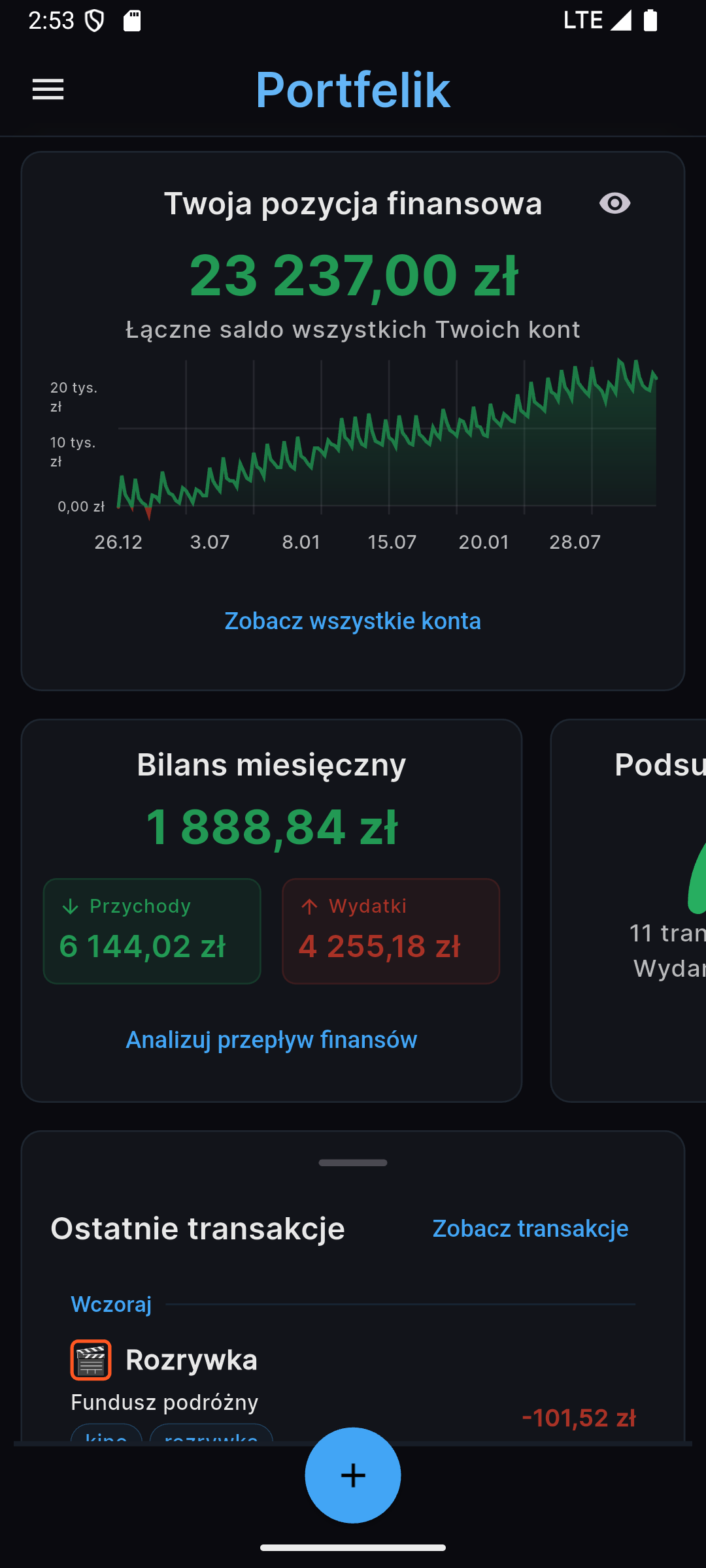
The main screen of the app shows the state of your total assets (summed balance from all accounts). For privacy in public places, we added the option to hide this information by pressing the "eye" icon.
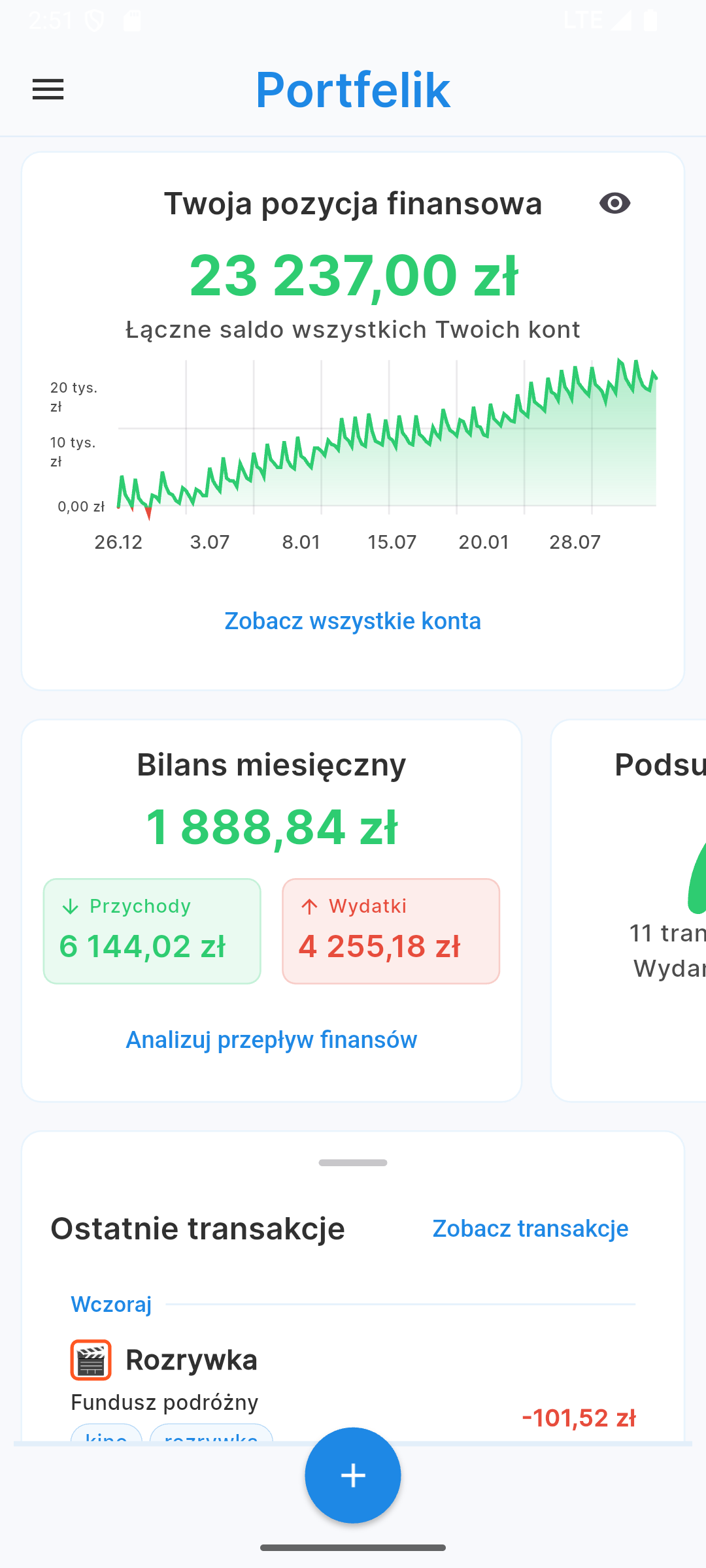
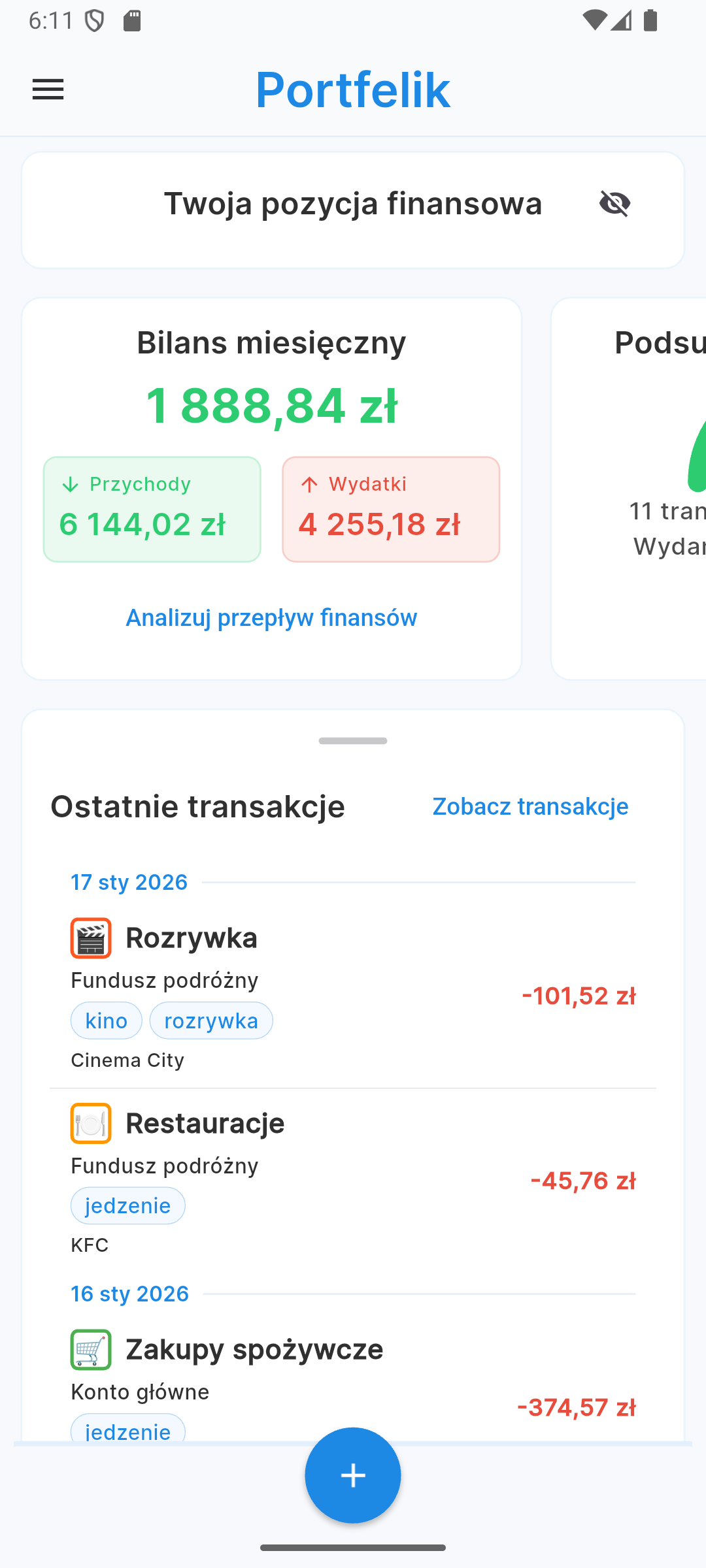
On the main screen you will also find a summary of expenses and income from the current month and a list of recent transactions, which allows for a quick insight into your current financial situation.
Transactions view
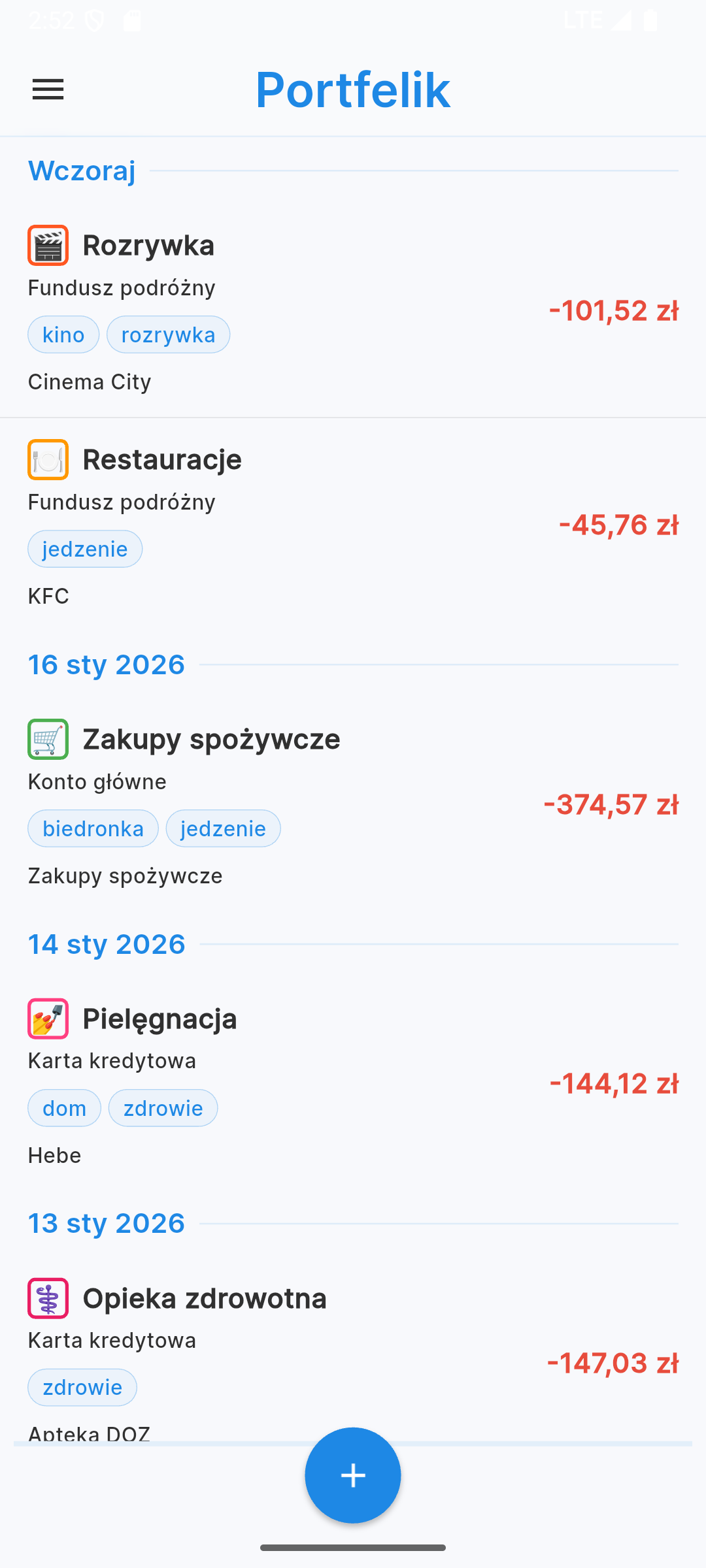
Efficient expense management requires easy access to history. The transactions view allows you to browse, edit and delete all your records.
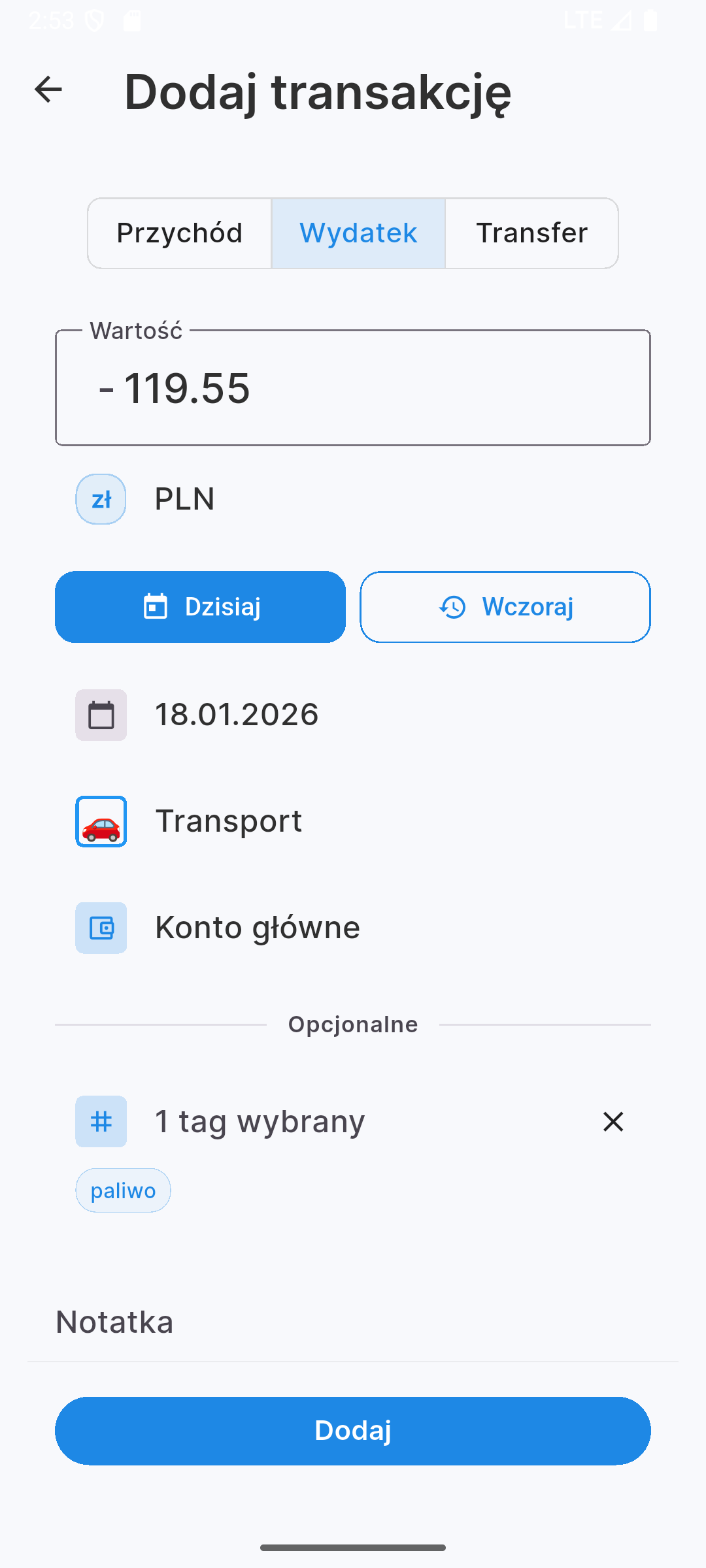
When adding a new transaction, you can easily specify:
- Value and currency
- Date and category
- Account from which the payment was made
- Optional tags and notes
Reports view
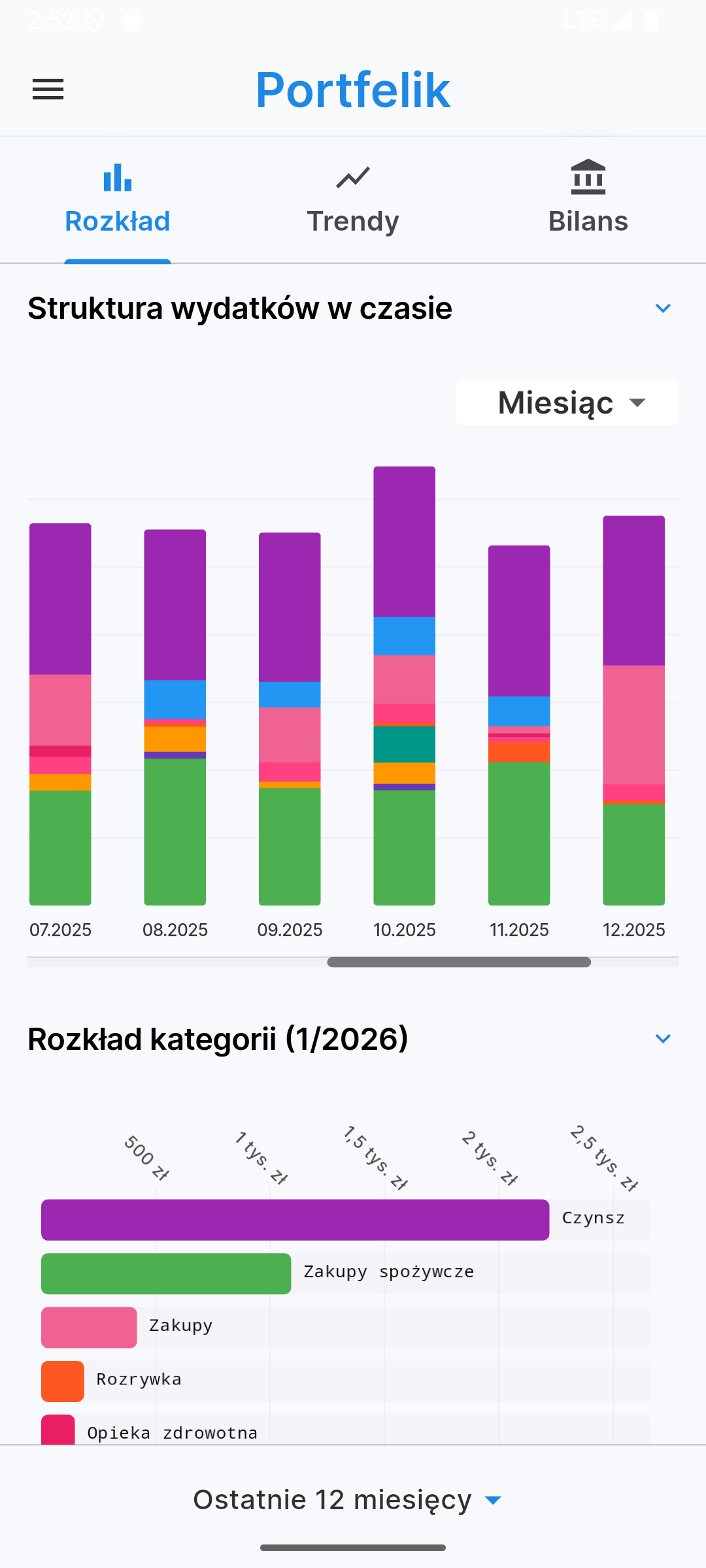
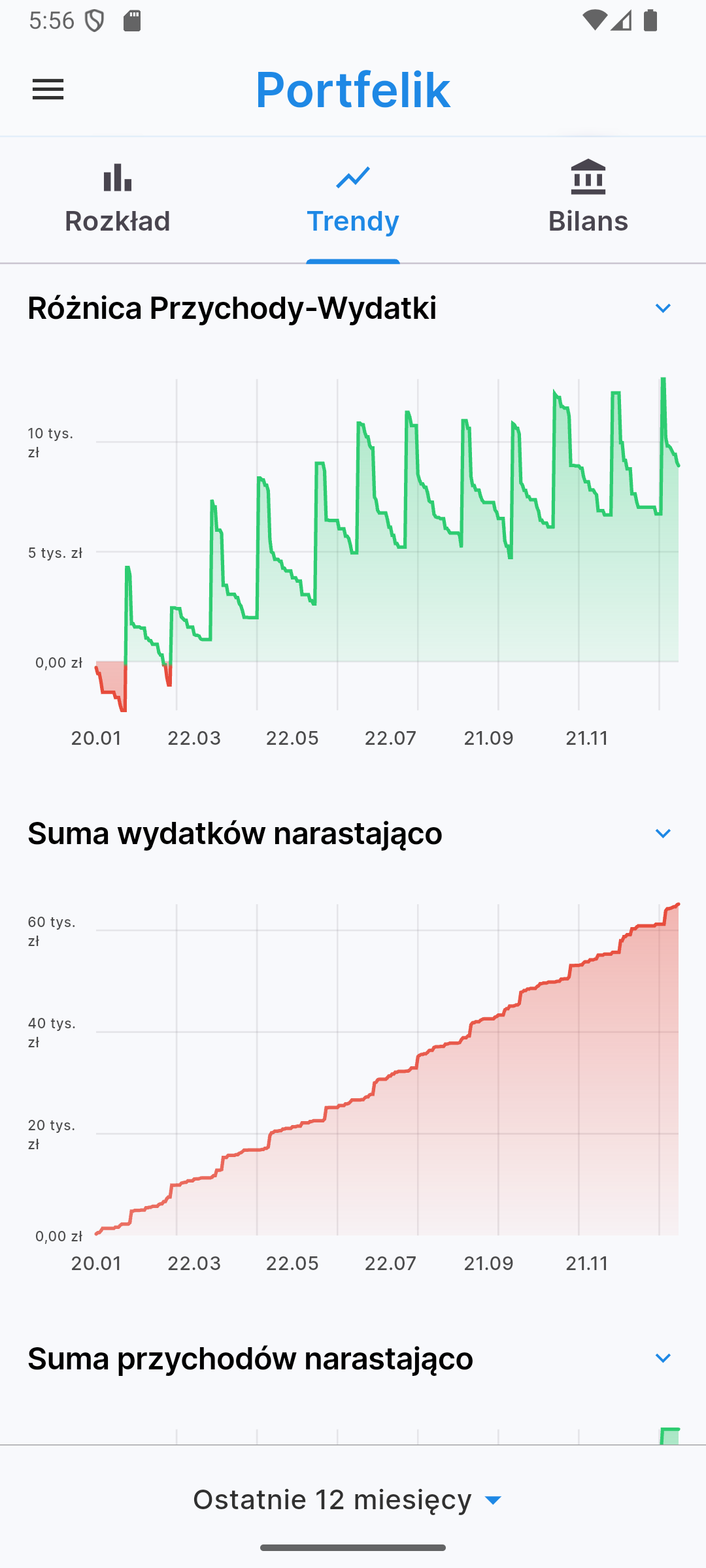
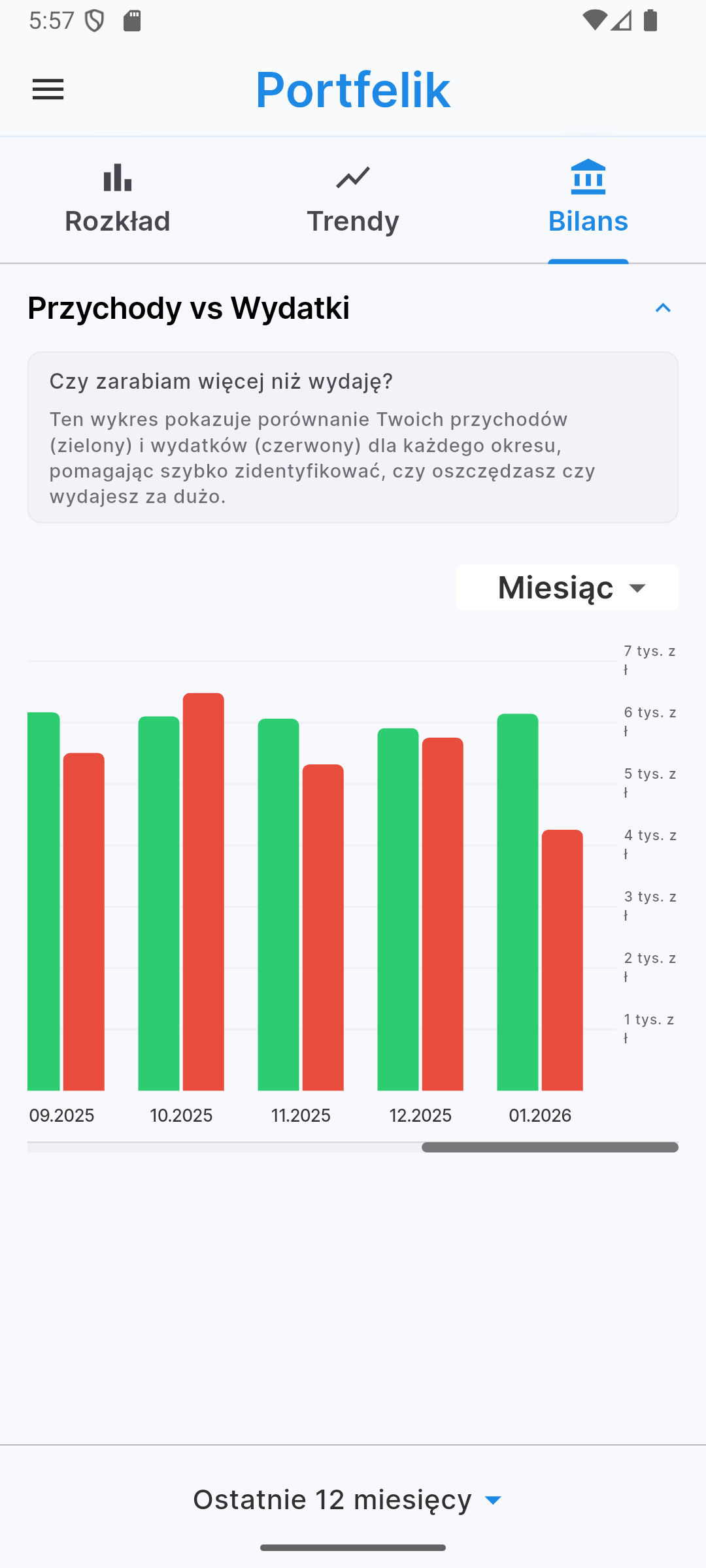
Want to know where your money is going? Is your wealth growing over time? The reports view in the mobile app offers clear bar and line charts that will help you analyze the structure of expenses by category in the selected period and track income and expense trends over time.
Categories view
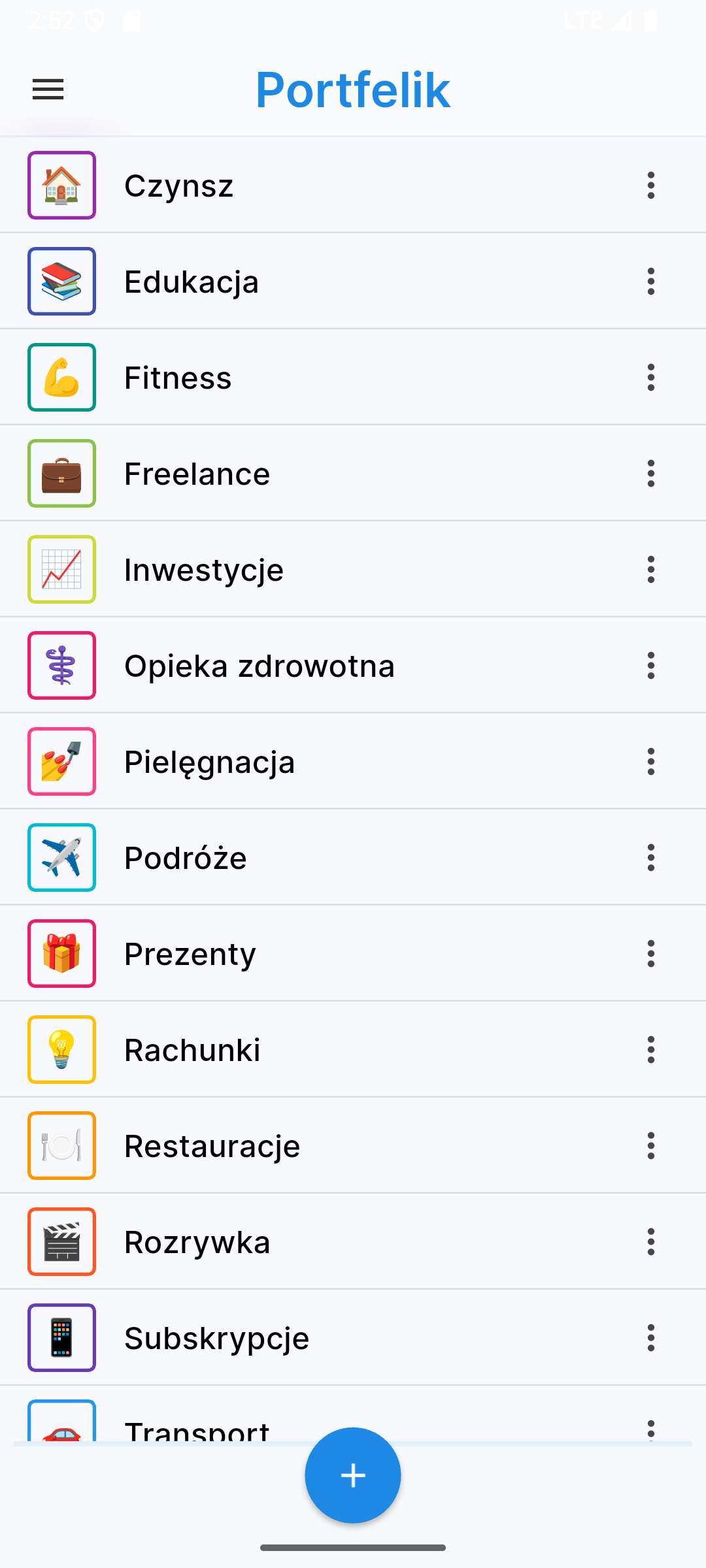
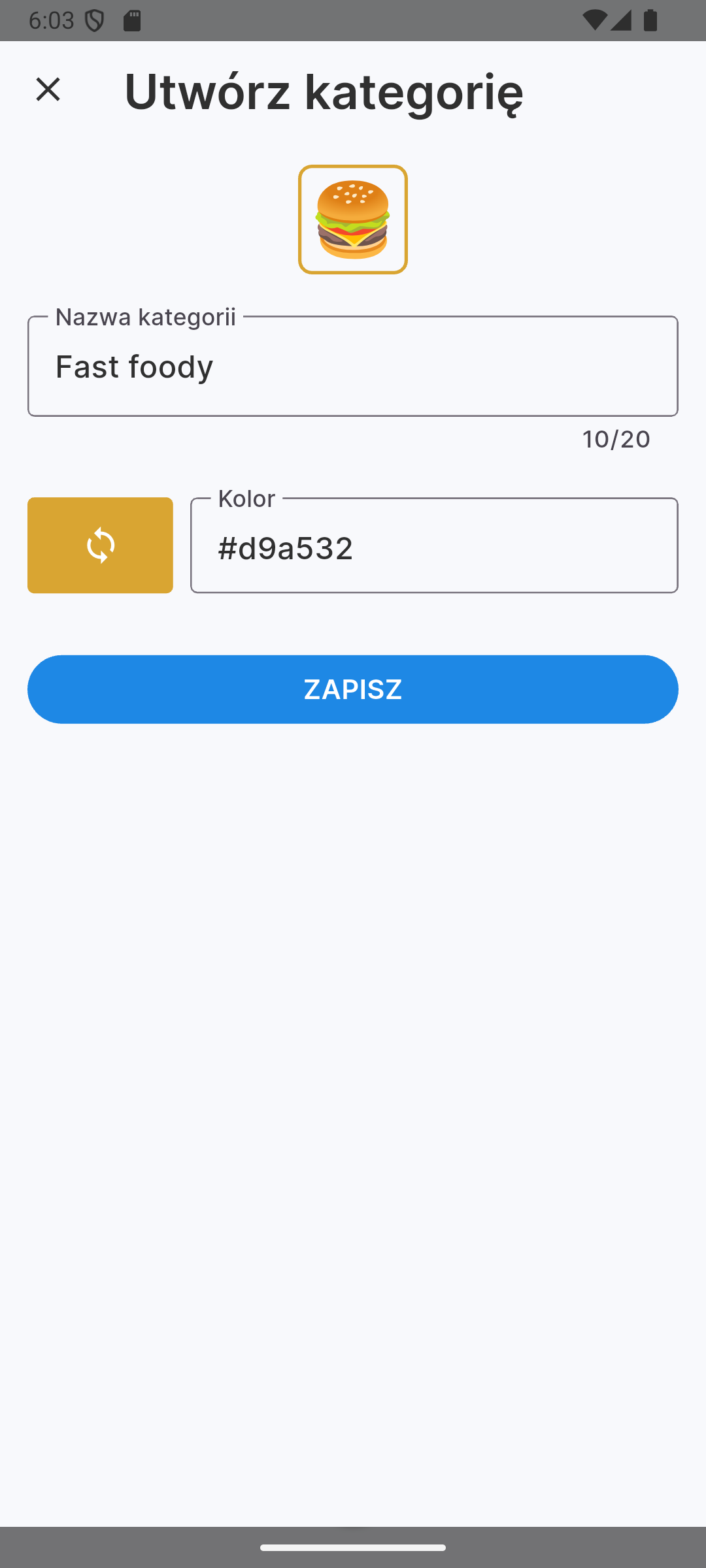
Manage your expense categories directly from your phone. You can add your own categories, assign emojis and colors to them.
Accounts view
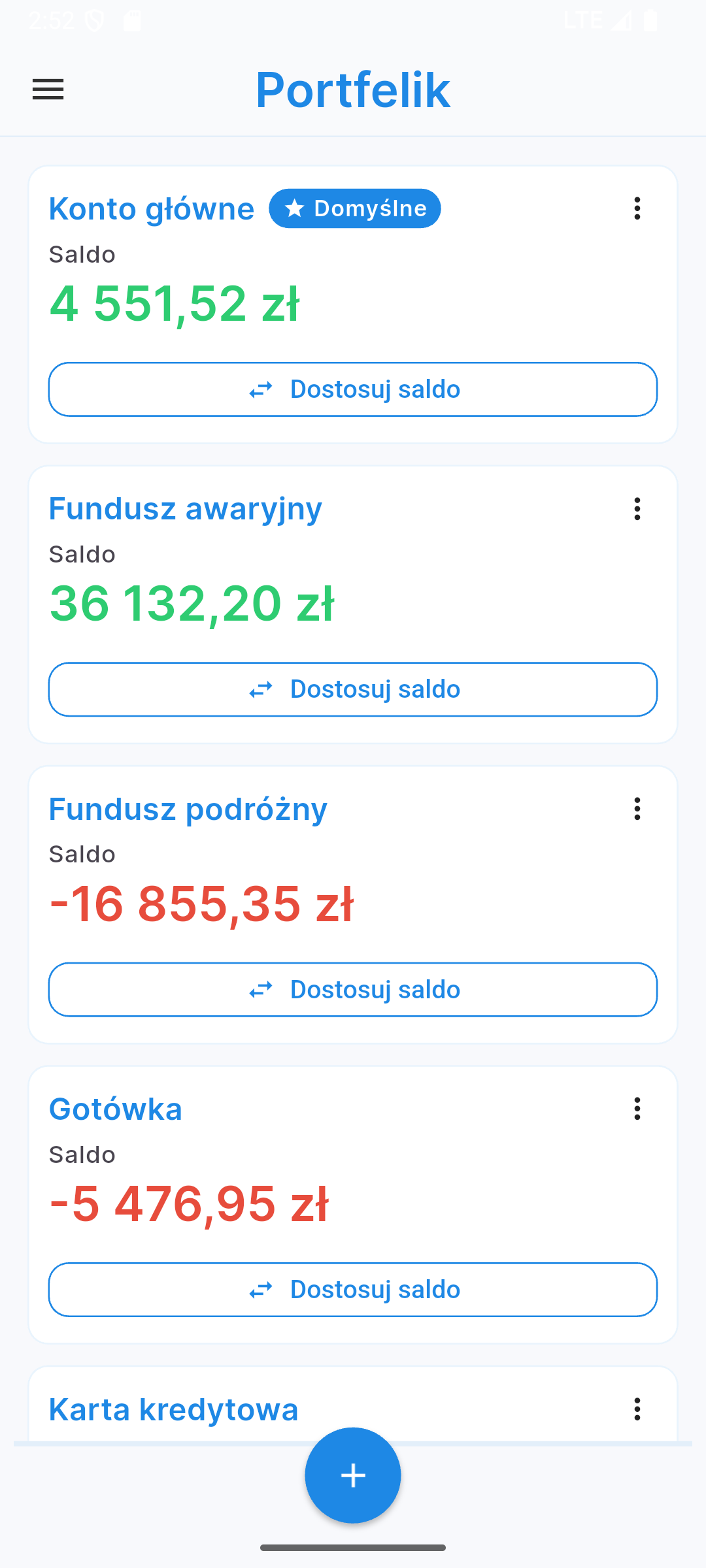
Portfelik allows handling multiple accounts at once - from cash wallet, through bank accounts, to investment portfolios. In the accounts view you will see a list of all your accounts with their balances. From this level you can edit accounts or add new ones.
The default account, which is automatically selected for new transactions, is marked with a star and is always at the top of the list.
Budgets view
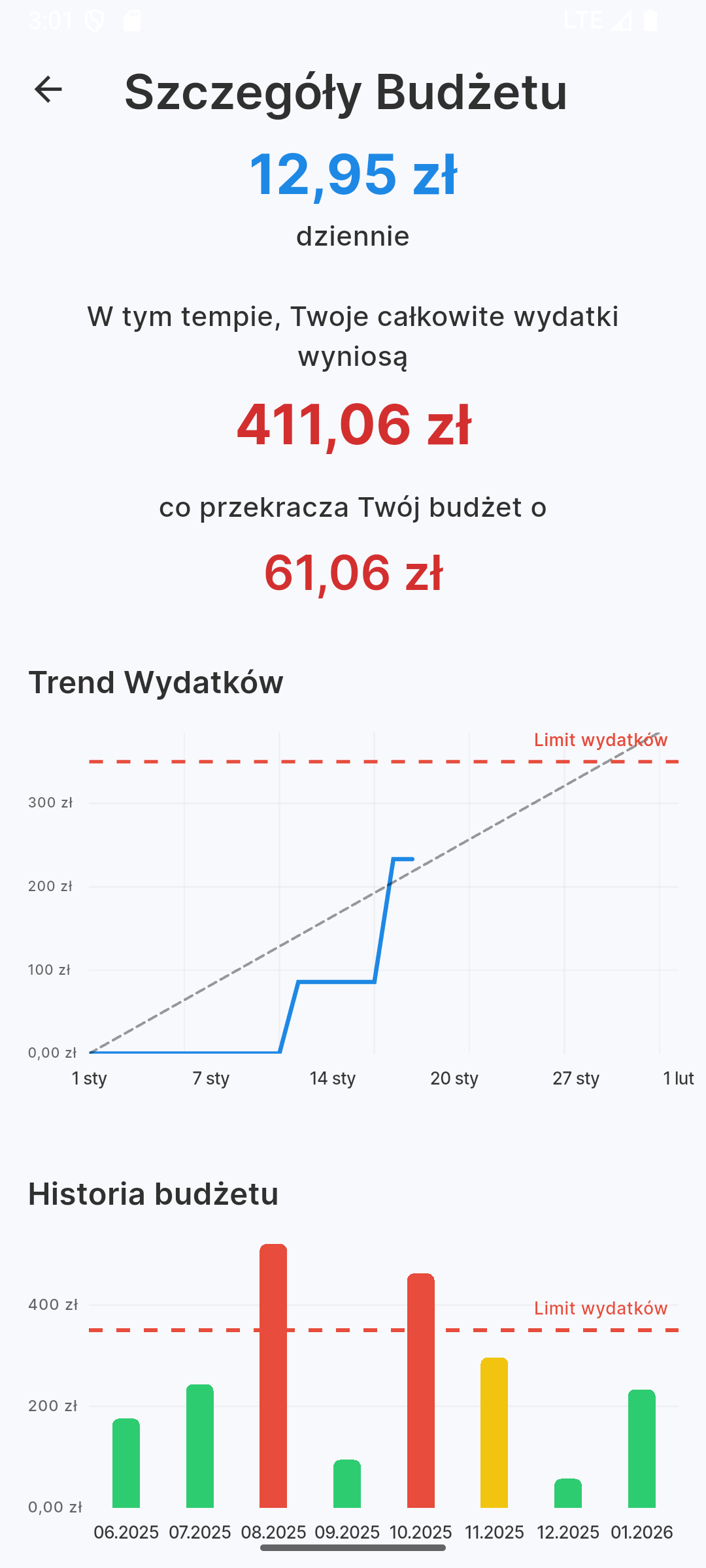
Budgets are the most effective way to save. In the mobile app you have a real-time view of your expense limits. You see the budget renewal date, the amount left to use and the percentage usage of the limit.
After entering the budget details, Portfelik will display the history and prediction for the end of the period - you will know if at the current spending rate you will fit within the set limit at the end of the month, week or day, depending on the set period.
Settings and personalization
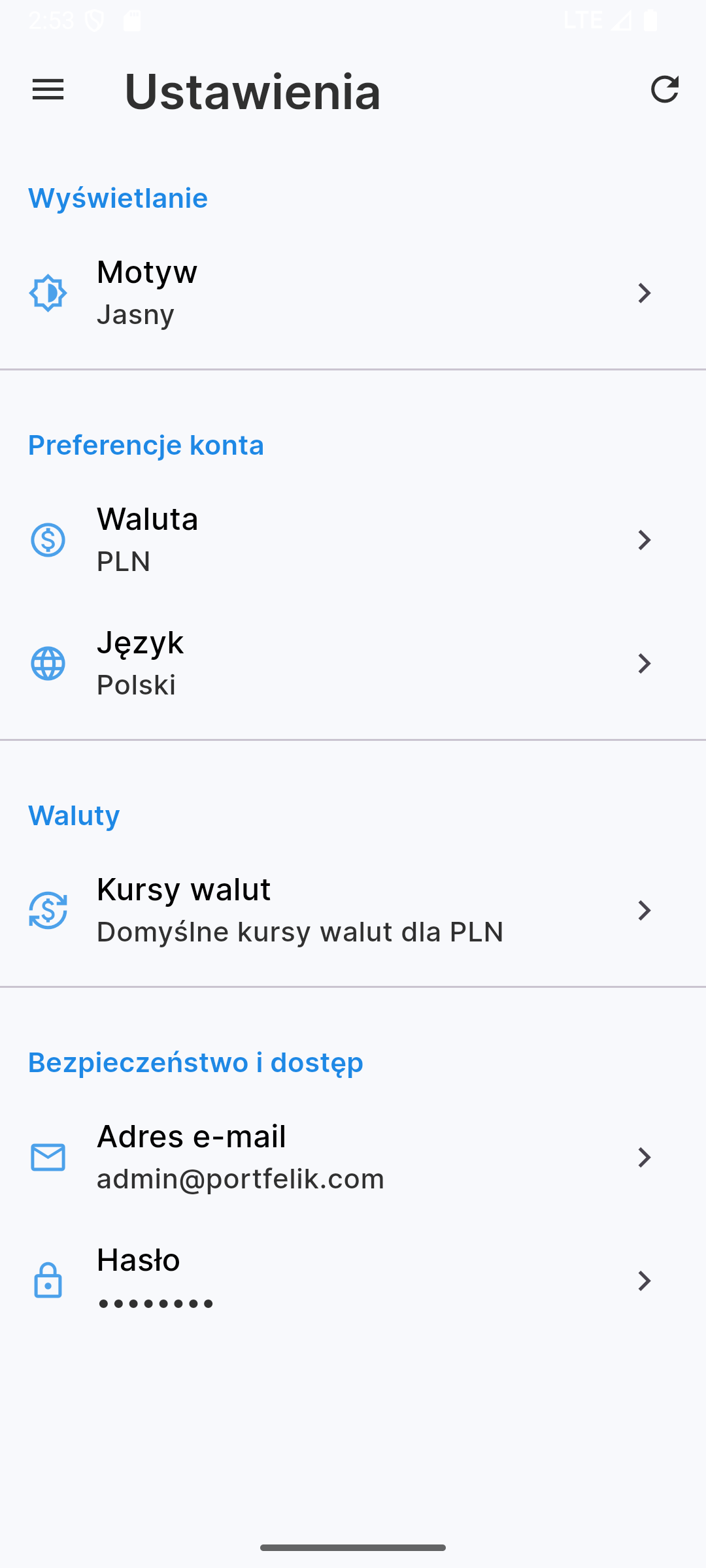
The mobile app allows personalization. In settings you can:
- Change the app language
- Set default currency rates for offline mode
- Choose color scheme (light or dark theme)
Light and dark theme
Regardless of whether you prefer the classic light look or the eye and battery-saving dark mode, Portfelik looks great in both versions. The app can automatically adapt to your system settings.
Share your feedback
Your opinion is crucial to us. If you have an idea for a new feature or found a bug, use the "Share feedback" function available in the app menu. Together we create the best personal finance tool!
FAQ - Frequently Asked Questions
1. Where can I download the Portfelik app?
Currently the app is available in the Google Play store for Android devices. iOS version is in preparation.
2. Is using the mobile app paid?
No, the mobile app is free for all Portfelik users. We also do not apply a limit on the number of connected devices.
3. Are my data safe and synchronized?
Yes, all data is encrypted and automatically synchronized with your account. You can add a transaction on your phone and edit it on your computer.
4. Does the Portfelik app work without internet access?
Yes! You can add transactions and browse data offline. Synchronization will happen automatically as soon as the phone connects to the network.
5. Does the app support multiple currencies?
Yes, just like the web version, the mobile app fully supports multi-currency, automatically converting balances according to current or defined rates.
6. How to set a budget in the app?
Just go to the "Budgets" tab, click the "Add" button and specify limits for selected categories. Portfelik will take care of the rest.
7. Will deleting the app cause data loss?
No, your data is safely stored in the cloud. After reinstalling the app and logging in, all information will be restored.
8. How can I report a bug or suggest a feature?
Use the "Share feedback" option in the app menu or send a message to our contact email. We will be grateful for every suggestion!
Start controlling your expenses today!
Portfelik is a free tool that will help you manage your money better. Download the app and see for yourself!
Portfelik Team